UNRIVALED FEATURES
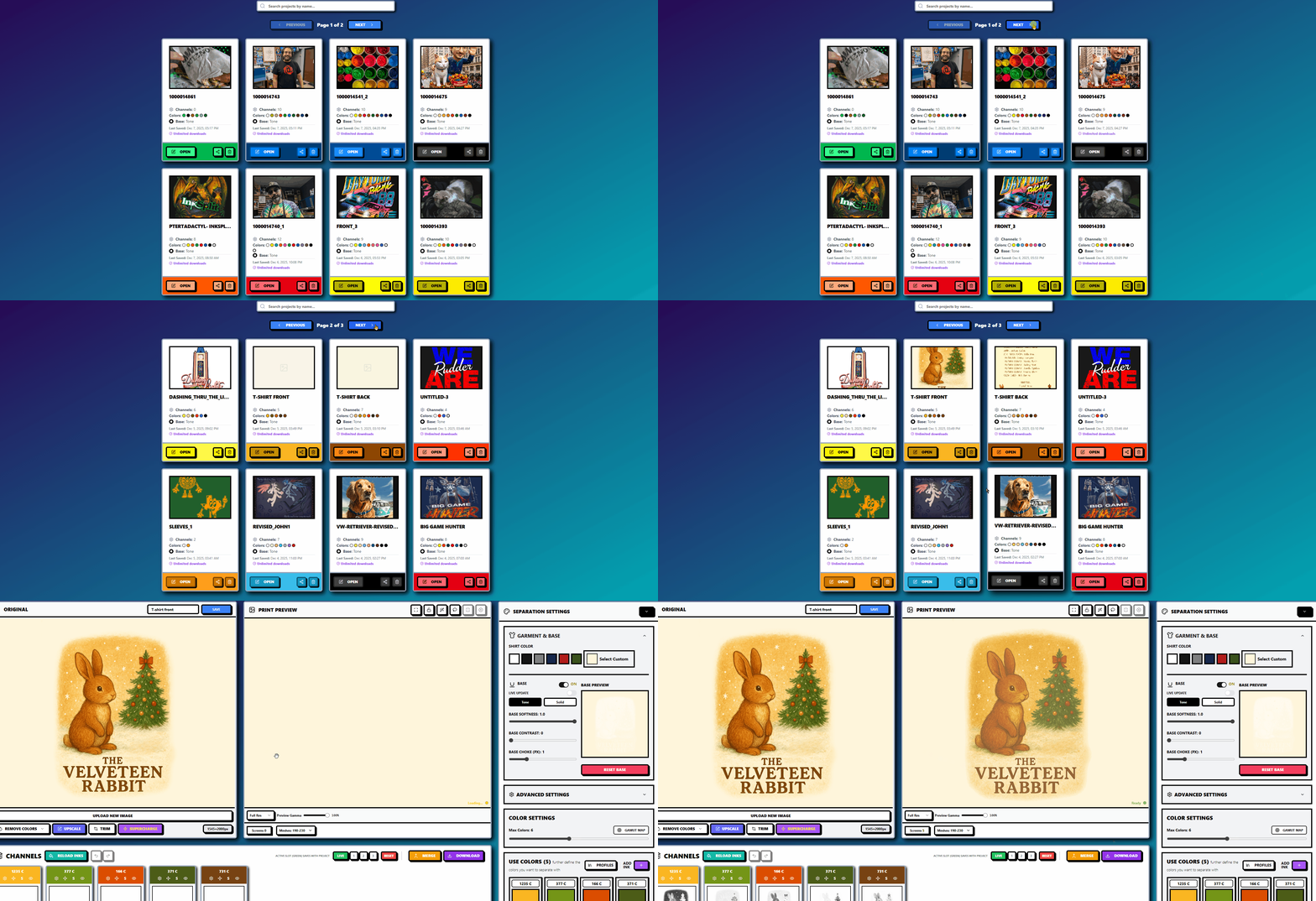
Sleek Project
Management
Manage every separation with a structured workspace designed for real print shop workflows. Create, name, save, and reopen projects instantly so you can revisit previous jobs, make revisions, or build new versions without starting over. This system keeps your work organized, reduces repetitive steps, and makes multi-day or repeat orders much easier to handle.
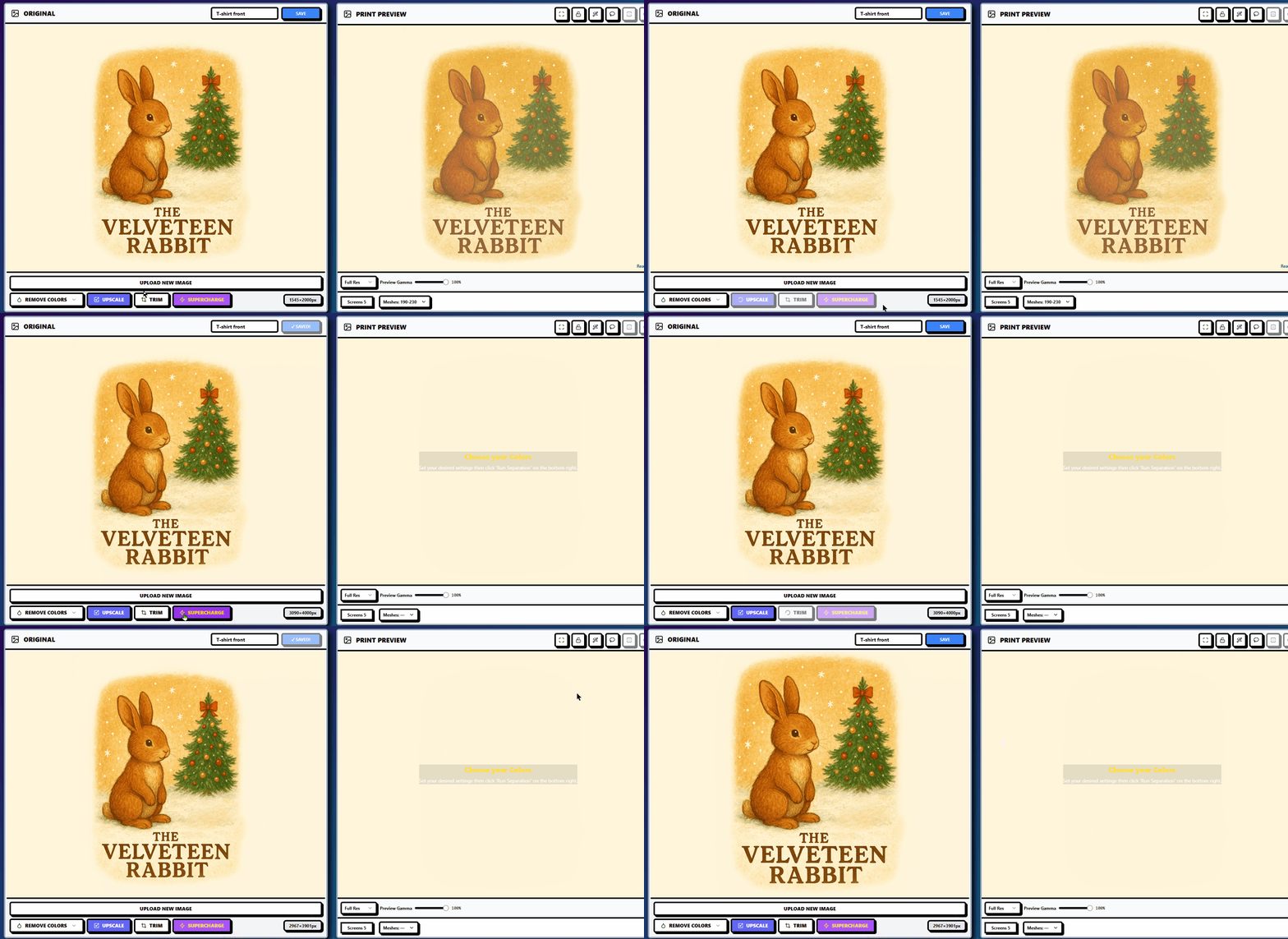
Image Size Controls
Resize your artwork with to 4000px on its longest side while preserving resolution, sharpness, and halftone integrity. Scale ensures your design matches exact production measurements without losing resolution or clarity, while Trim cleans up excess borders to keep the plate focused on the true printable area. Together they create a clean, accurate layout that is ready for halftones, RIP output, and final press preparation.
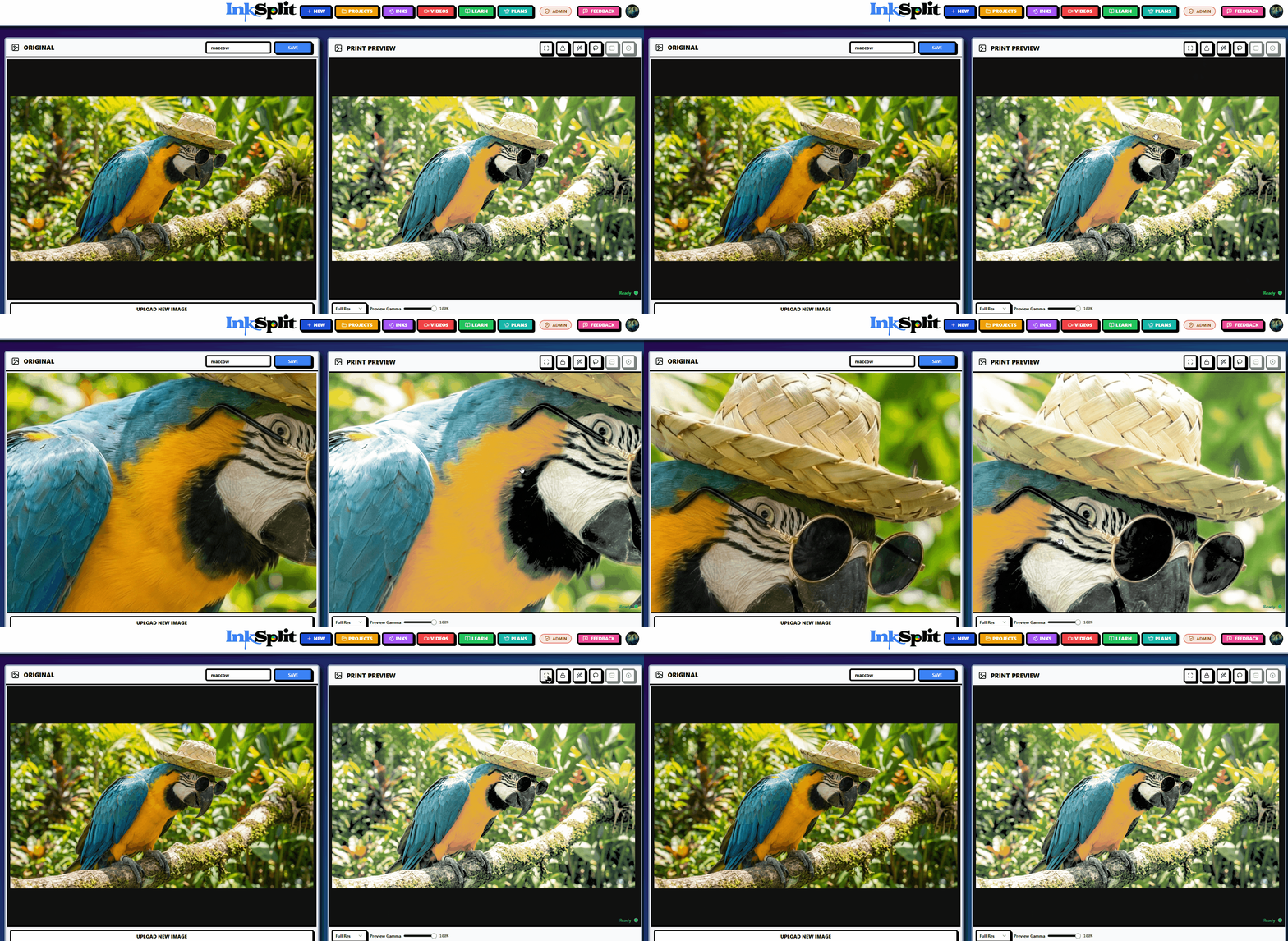
Getting Up Close
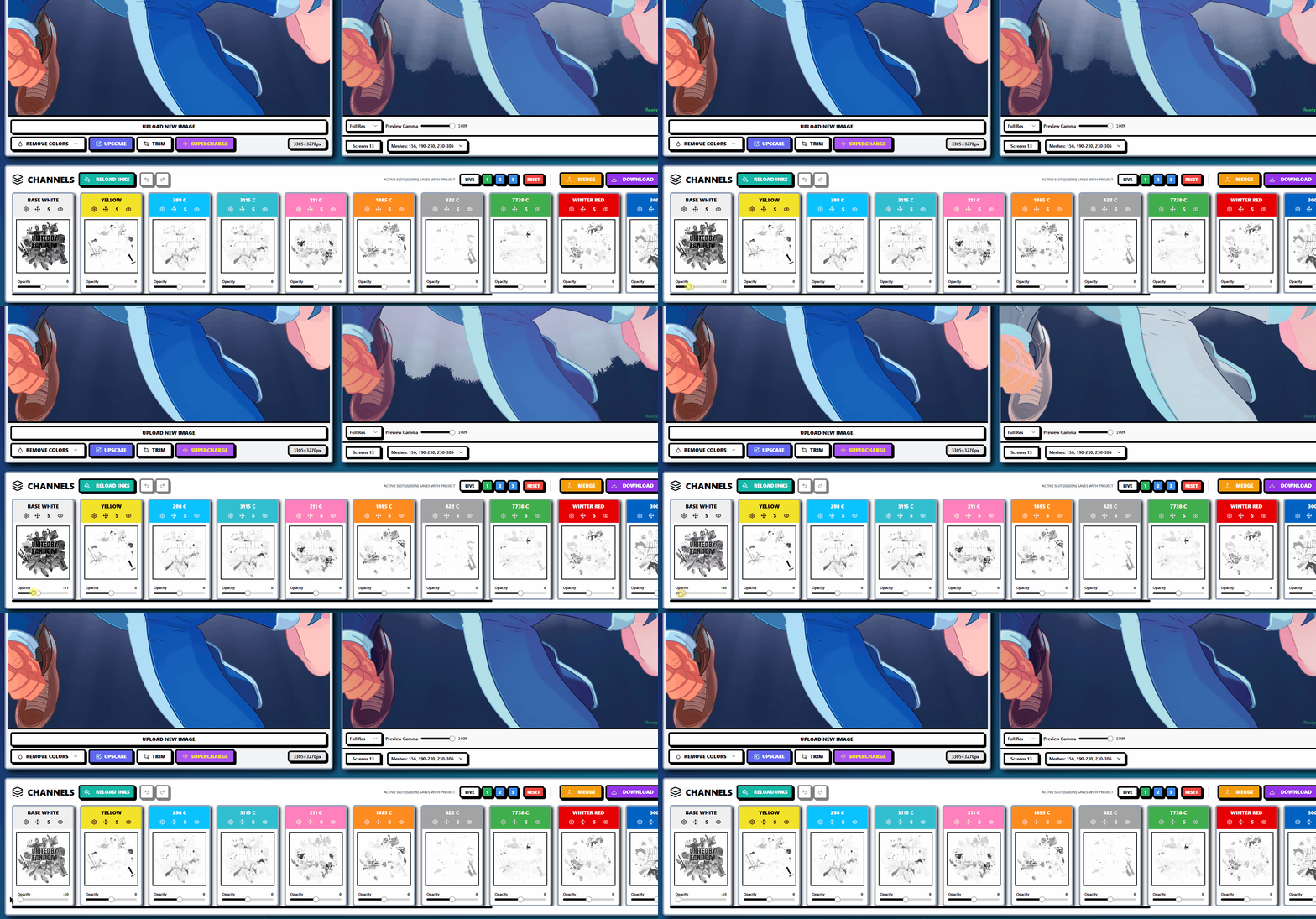
Navigate artwork smoothly with intuitive zoom and pan controls that give you pixel-level visibility. Inspect edges, halftones, transitions, and fine details without losing your place. This workflow makes detailed adjustments more accurate and helps ensure plates are production-ready before exporting. Hit the Reset button to reset the screens back to center for quick looks and consistency.
Cleaning Up
the Goods
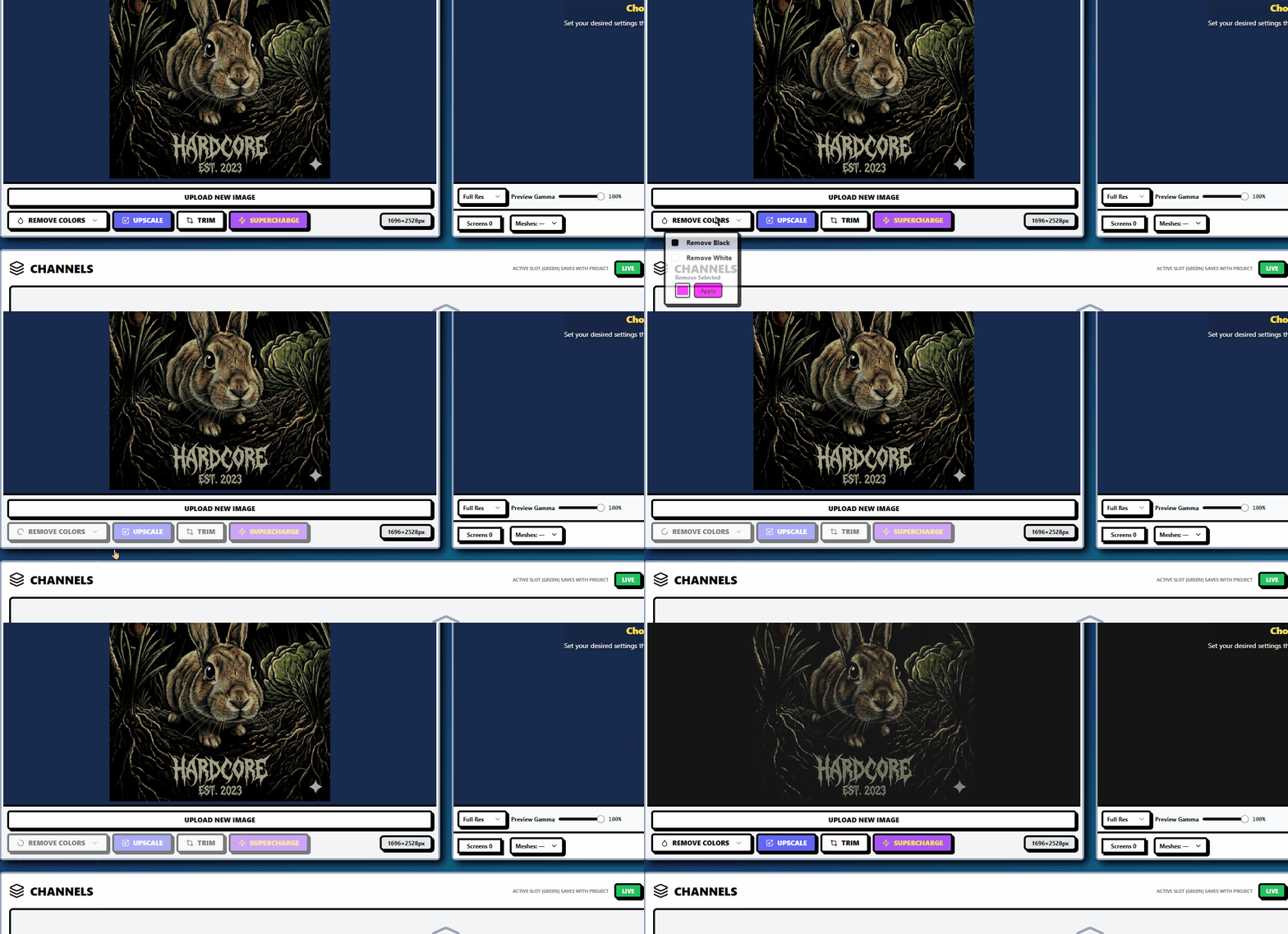
Quickly eliminate unwanted colors and solid backgroundusing a smart detection engine that isolates problem hues without damaging gradients or fine detail. This feature is ideal for removing backgrounds, flattening distracting tones, or cleaning artwork before separation. It preserves clarity while giving you precise control over what remains in the image.
Setting Up
For Success
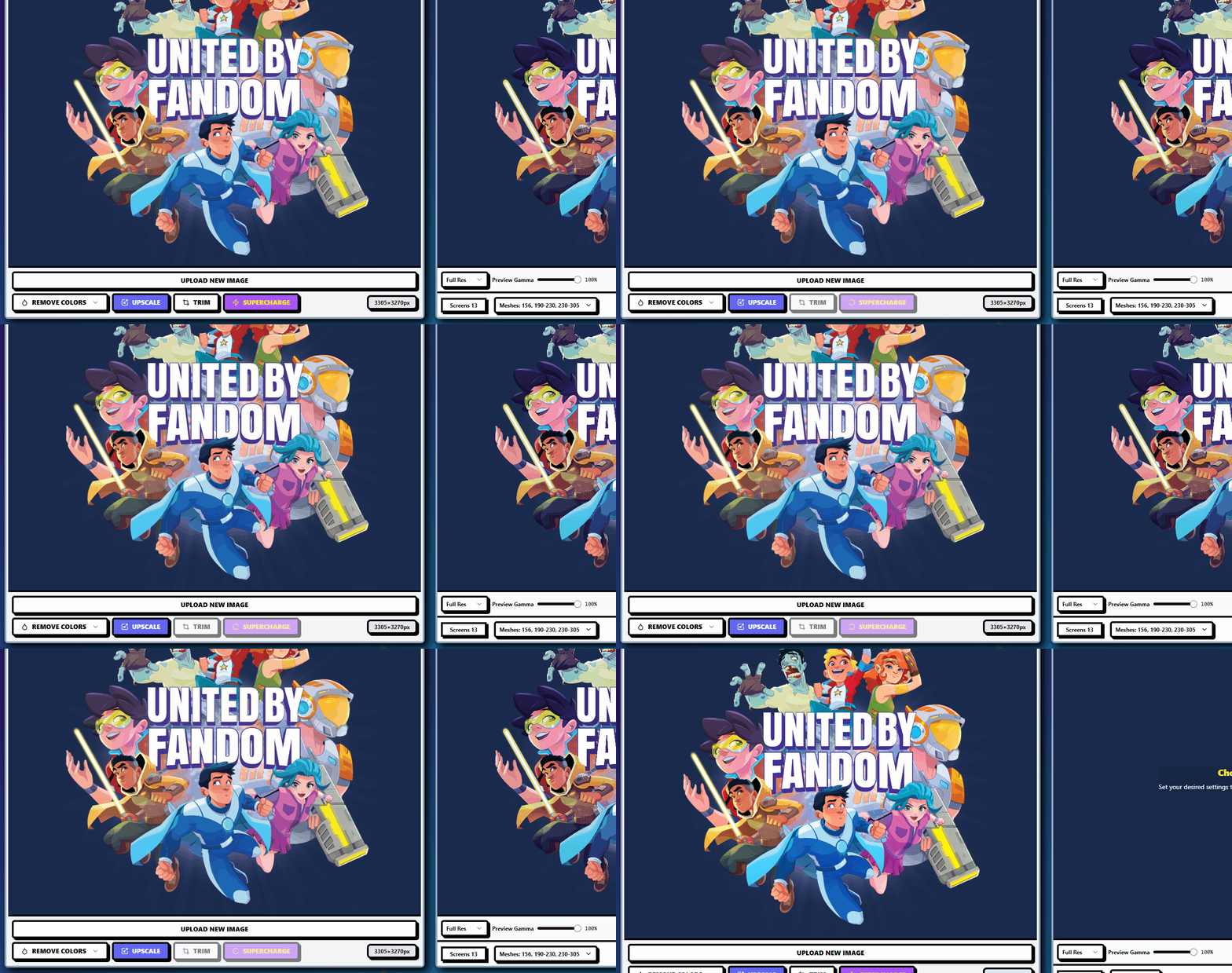
Apply a powerful enhancement pass that sharpens edges, enriches color structure, and increases print readiness in one click. SuperCharge improves definition and tonal clarity so separations come out cleaner and require fewer manual edits. It delivers a noticeable quality boost for complex graphics and photographic artwork.
Total Plate
Control
Adjust opacity for any individual plate or color channel to manage transitions, blend ranges, gradients, and ink coverage. Opacity control gives you the ability to mimic real press behavior, preview blends, and improve how each layer interacts with others. Helpful for soft highlights, subtle fades, and multi-layer effects.

Powerful
Operations
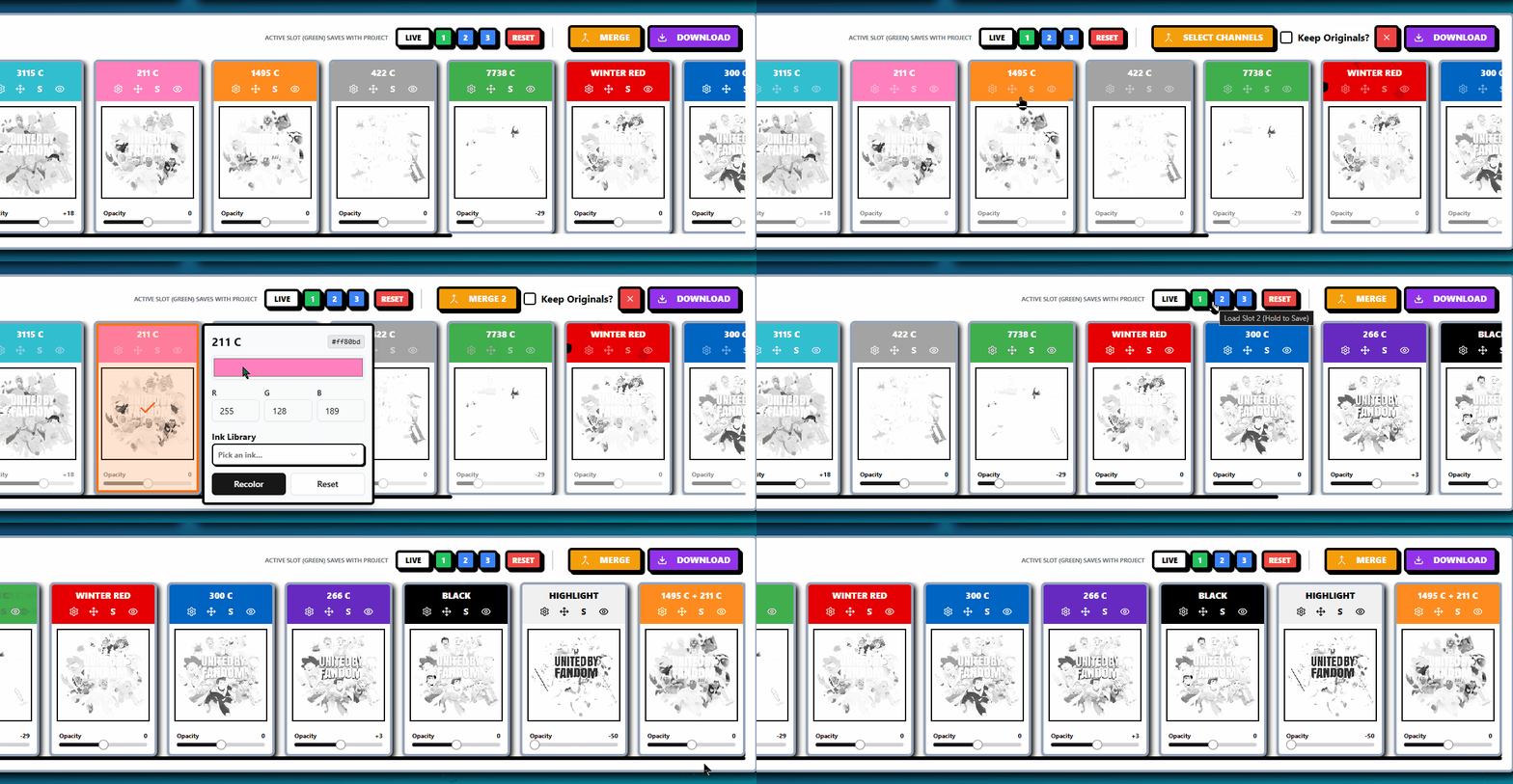
Refine your plates after the separation is complete with tools that let you recolor, add information from one plate to another, minus information from one plate to another, clean up, duplicate, and merge multiple plates into new ones. Post separation editing gives you real control over final output, helping you correct issues quickly and prepare flawless production files without repeating the entire separation process.
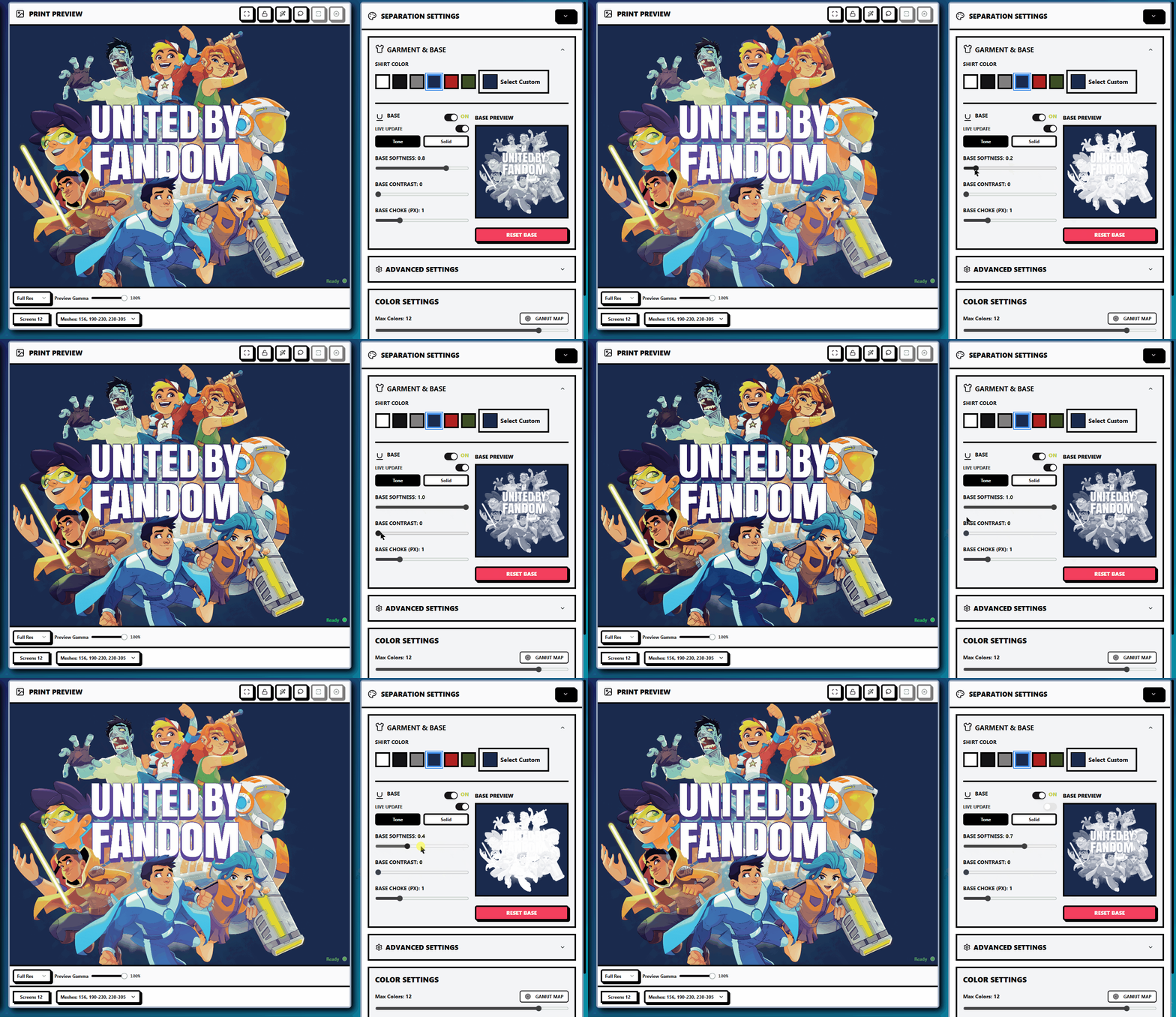
Live Base
Updates
Base Settings let you control underbase strength, opacity, choke, and tonal behavior so your prints stay bright and consistent. By default these adjustments prepare the artwork before separation. When Live Update is turned on, your base adjustments apply directly to the final preview and output in real time, giving immediate feedback and more accurate production results without reprocessing.