Stop The Struggle: Why Photoshop Plugins Are Holding Your Print Shop Back

It’s Monday morning. You’ve got a massive order for a local 5K run: six colors, tight registration, and a hard deadline. You open Photoshop, ready to burn screens, only to see a small pop-up: “Photoshop has been updated to version 25.x.”
You don't think much of it until you click your expensive separation plugin. Nothing happens. Or worse, the "Run" button produces a series of "Error: Command not available" windows. Your $500 plugin is now a $500 paperweight, and your production is dead in the water while you wait for a developer to release a patch that might not come for weeks.
If this sounds familiar, you aren’t alone. For decades, the screen printing industry has been held hostage by the "Plugin Cycle." We’ve been forced to bolt specialized tools onto a program designed for photographers and digital painters.
At InkSplit, we think it’s time to stop the struggle. It’s time to move away from fragile plugins and toward a dedicated, standalone separation workflow that actually respects your time and your bottom line.
The Plugin Trap: Why "Bolted On" is Broken
The biggest problem with Photoshop plugins is that they are guests in someone else’s house. Adobe’s primary concern isn't the screen printer; it’s the millions of photographers, UI designers, and AI enthusiasts who use their platform. When Adobe pushes an update to change how their engine handles layers, transparency, or scripting, they don't call the developers of your separation plugin to check if it’s okay.
This creates "The Plugin Trap." You are constantly one update away from a total workflow collapse. You’re forced to disable auto-updates, run "legacy" versions of software that are buggy or slow, and pray that your specific hardware configuration keeps working.
When your shop's efficiency depends on a third-party tool that lives inside a massive, ever-changing ecosystem like Adobe Creative Cloud, you aren't in control of your production. You’re just a passenger.

Standalone Power: No More Version Conflicts
Imagine a world where your separation software just works. No installation, no "Scripting Listener" errors, and no worrying about whether your OS is compatible with your design software's latest build.
Because InkSplit is a web-based, standalone tool, it bypasses the Adobe ecosystem entirely. It doesn't matter if you’re on a Mac, a PC, or even an iPad. It doesn't matter if you’re running the latest version of Photoshop or a version from 2018.
By moving the separation engine to the cloud, we’ve removed the "Software Dependency" headache. When we update InkSplit to make it faster or more accurate, it happens on our end. You don't have to download a patch, reinstall a library, or restart your computer. You just log in and get to work. This is the difference between a tool that is "bolted on" and a tool that is built for purpose.
Check out our features page to see how a dedicated environment changes the game.
Beyond the Layers: Algorithms vs. Macros
Many popular Photoshop plugins are essentially just glorified "Actions" or macros. They take a series of steps you could do manually: selecting color ranges, creating spot channels, adjusting levels: and automate the button clicks.
The problem? These macros are limited by Photoshop’s own architecture. They are trying to force a photo-editing engine to act like a print-separation engine.
Dedicated separation algorithms, like the ones powering the InkSplit Color Separator, are built from the ground up to understand ink. We aren't just clicking "Color Range" for you. Our AI-driven engine analyzes the artwork based on printability, underbase requirements, and ink opacity.

A macro sees pixels; InkSplit sees a screen print. This allows for:
Smarter Underbases: No more "choking" manually on every job. Our system calculates exactly where the white needs to sit to provide pop without peaking out.
Better Graduations: Simple Photoshop actions often struggle with "scummy" edges or harsh transitions in simulated process. Our algorithms handle these transitions with mathematical precision.
Consistent Results: Because we aren't relying on Photoshop’s internal (and sometimes inconsistent) rendering, the separation you see in our live print preview is exactly what you get on the press.
The Subscription Tax: Accessibility Matters
Let’s talk about the "Adobe Tax." To run a Photoshop-based plugin, you have to pay Adobe roughly $20/month (at minimum) for a Creative Cloud subscription. That’s $240 a year just for the right to open the door to your separation tool.
For many shop owners, the production manager or the press operator doesn't need the full Adobe suite. They just need to get the files ready for the darkroom. Why should you pay for a massive design suite for every station that needs to separate a file?
InkSplit breaks this chain. You can upload a file from any device, run your separations, and download your ready-to-print channels. You don't need a high-end workstation or a monthly Adobe subscription just to generate a set of films. We’ve democratized the process, making professional-grade separations accessible to shops of all sizes without the overhead.
Moving to a "Print-First" Mindset
For too long, the industry has operated with a "Photoshop-First" mindset. We design in Photoshop, we tweak in Photoshop, and we try to trick Photoshop into being a print tool.
But a "Print-First" mindset recognizes that the design is only half the battle. The real goal is the physical product. When you move your separations to a dedicated tool like InkSplit, you are separating the creative process from the technical process.

This workflow bottleneck is real. When your lead designer is also the only person who can run the complex separation plugin because "it's finicky," you’ve created a single point of failure. With InkSplit’s intuitive interface and automated AI, the technical heavy lifting is handled for you. This allows your artists to focus on art and your printers to focus on printing.
Stability and Reliability in a Modern World
Modern screen printing requires modern tools. The era of "bolting on" tools to 30-year-old software is coming to an end. Shop owners today value uptime above all else.
When a plugin breaks, you are at the mercy of the developer's support ticket queue. When a web-based tool like InkSplit is your backbone, you benefit from:
99.9% Uptime: We handle the server maintenance.
Instant Scaling: Whether you're separating one job or a hundred, our cloud infrastructure handles the load.
Hardware Independence: Your computer’s RAM or graphics card won't cause your separations to crash.
Consistency is the secret to a profitable shop. If your separations look different every time because of a software setting or a plugin glitch, you waste time on "test prints" and "re-burns." InkSplit’s dedicated environment ensures that your results are consistent every single time.
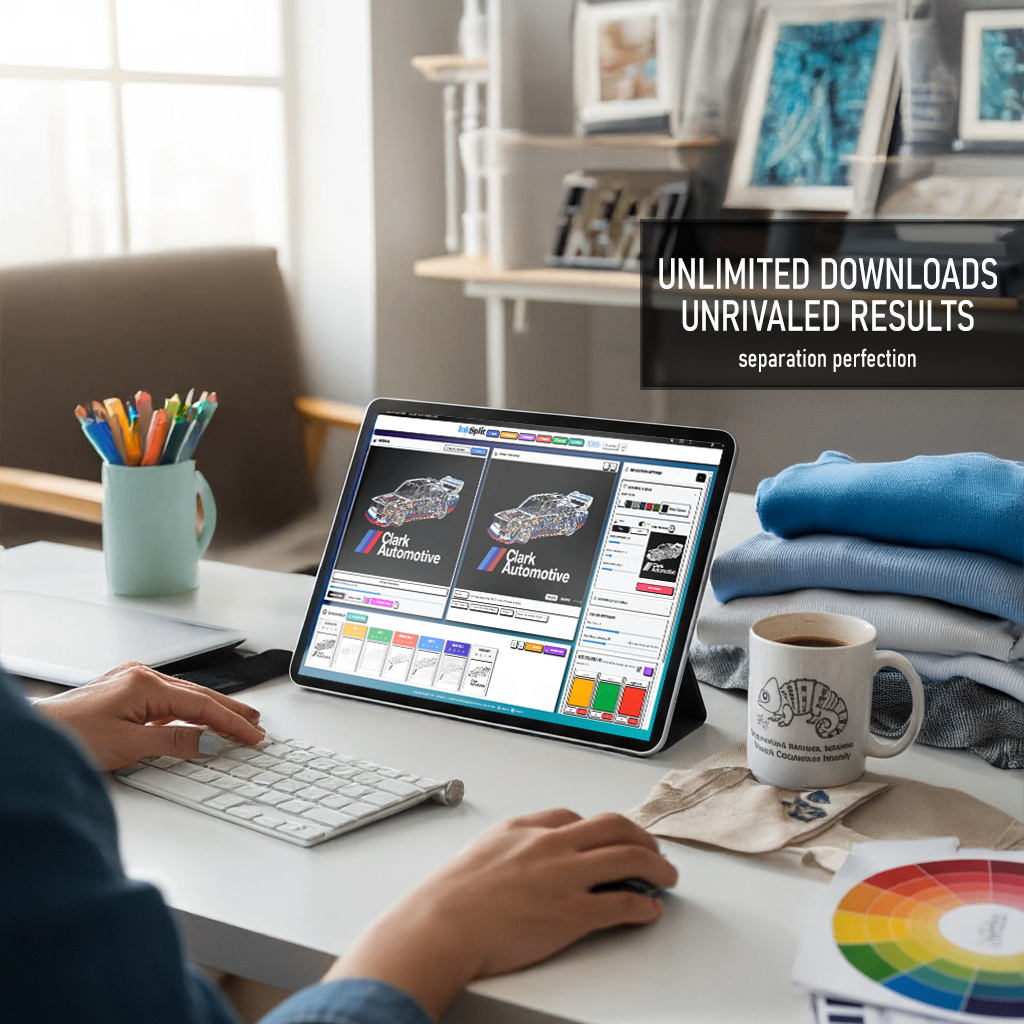
The Verdict: Stop the Struggle
If you are tired of your workflow breaking every time Adobe decides to move a menu item, it’s time to move on. If you’re tired of paying for software subscriptions you barely use just to run a plugin that feels like it was built in the 90s, there is a better way.
InkSplit isn't just another tool; it’s a declaration of independence for screen printers. It’s a move toward a more stable, more reliable, and more professional production floor.
The struggle with plugins is a choice you no longer have to make. You can keep fighting the version conflicts and the "Scripting Listener" errors, or you can switch to a platform built specifically for the future of screen printing.
Break free from the plugin cycle. Switch to a dedicated, modern solution with InkSplit.
Ready to see the difference for yourself? Try InkSplit for free today and experience the power of standalone separations. Whether you're doing simple spot colors or complex simulated process, we’re here to make sure your shop never stops moving.
For more information on our plans, check out our pricing page or explore our video library to see the tool in action.
Comments